
Personal AI Assistant: Your Productivity Partner
Monday starts with good intentions. By 10:17 a.m., your Gmail or Outlook window already has unread client notes, internal follow-ups, calendar replies, and three threads you meant to answer yesterday. You know most of these messages don’t need deep thinking. They need a solid response, in your voice, with the right facts, sent quickly.
That’s where the modern personal ai assistant becomes useful.
Not the kind that sets timers or tells you the weather. The useful kind lives inside your workday, learns how you write, and helps you clear email without sounding robotic. For busy professionals, that changes the question from “How do I keep up?” to “What should I personally handle, and what should my assistant prepare for me?”
Table of Contents
- Your Inbox Is Overflowing But Help Has Arrived
- What Exactly Is a Personal AI Assistant
- How a Personal AI Assistant Learns to Be You
- The Core Benefits for Different Professional Roles
- Putting Your AI Assistant to Work in the Real World
- How to Choose the Right Personal AI Assistant for 2026
- The Future of Work Is a Collaborative Inbox
Your Inbox Is Overflowing But Help Has Arrived
If your inbox feels like a second full-time job, you’re not imagining it. Email isn’t just email anymore. It’s approvals, sales conversations, customer issues, project updates, and all the tiny decisions that pile up until your day feels fragmented.
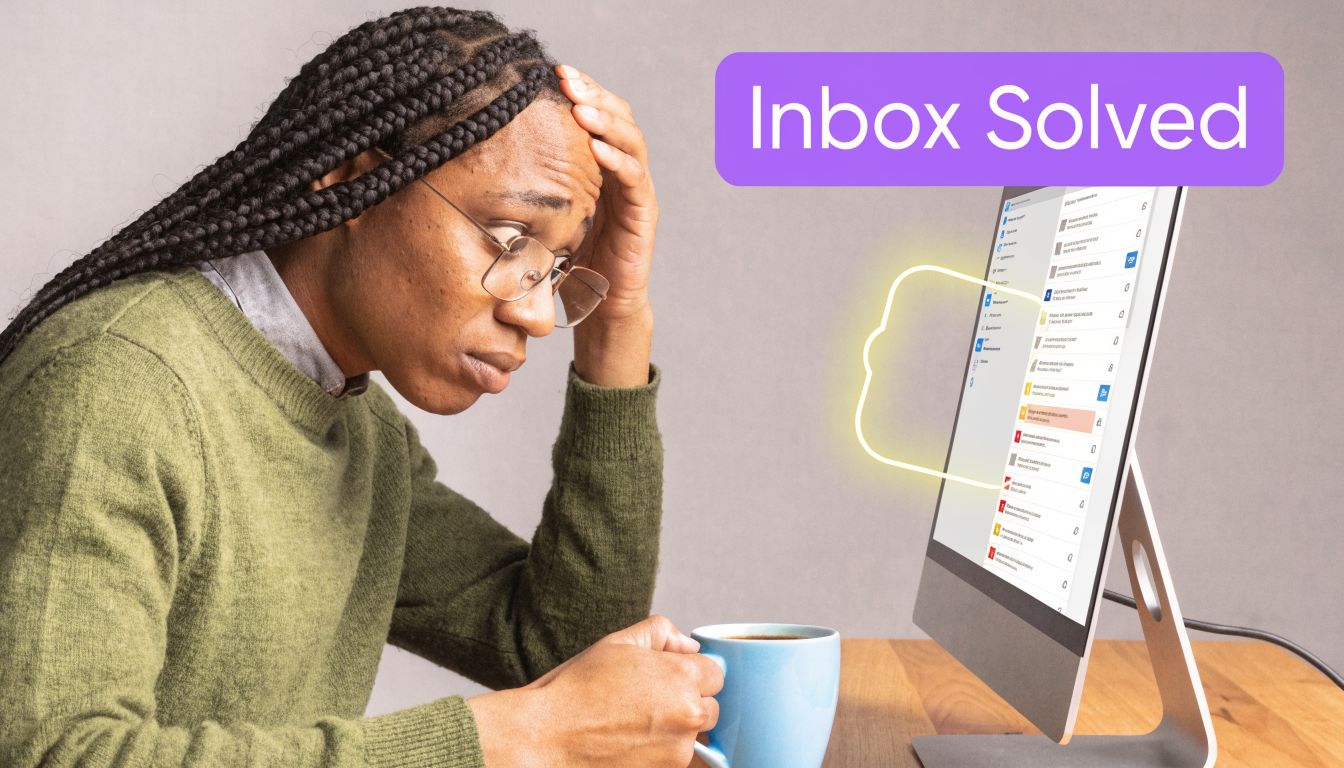
People often try to solve this with better habits. They flag messages, snooze threads, create folders, and promise themselves they’ll answer everything after lunch. That helps a little. It doesn’t solve the underlying problem, which is that too much of your day gets spent composing similar replies over and over.
A modern personal ai assistant approaches the problem differently. It acts more like a digital coworker than a gadget. Inside Gmail or Outlook, it can review incoming threads, prepare drafts, and help you respond in a way that still sounds like you.
Why this feels different from old productivity tools
Traditional email tools organize messages. A personal AI assistant helps create the response.
That’s a big shift. Instead of just sorting your inbox, the tool handles the first draft, which is often the slowest part. You still stay in control, but you’re editing and approving rather than starting from a blank box every time.
Practical rule: If a message is routine but important, that’s where an AI assistant usually earns its place fastest.
What busy professionals usually want
Most readers aren’t asking for a futuristic robot colleague. They want a few practical outcomes:
- Fewer blank-screen moments when replying to repetitive emails
- Better consistency across client and team communication
- Faster mornings because urgent threads already have drafts waiting
- Less mental switching between writing, researching, and checking past context
That’s the useful frame for this topic. A personal ai assistant isn’t mainly about novelty. It’s about making email feel manageable again.
What Exactly Is a Personal AI Assistant
A personal ai assistant is software that helps you handle work in a way that reflects your own habits, context, and communication style. For email, that usually means reading the thread, understanding what needs a reply, and drafting a response inside the tools you already use.
From voice helper to work partner
The category didn’t start in the inbox. The launch of Apple’s Siri on October 4, 2011 marked the first mainstream personal AI assistant, bringing voice recognition and natural language processing to the iPhone 4S and helping establish the foundation for later assistants used in work software. That broader virtual assistant market is projected to reach $15.5 billion by 2026 according to research on the history of Siri and the virtual assistant market.
Siri mattered because it taught people a new interface. You could ask for something in plain language instead of clicking through menus. But those early assistants were mostly reactive. They waited for a command.
A work-focused assistant is different. It doesn’t just answer “What’s the weather?” It helps with communication, prioritization, and context-heavy tasks. If you work across channels, that same idea shows up elsewhere too. Teams exploring coordinated outreach often look at tools for SMS automation for franchise development for similar reasons: they want systems that fit the workflow, not just standalone gadgets.
What makes this category different
Think of the old model as a receptionist. Think of the new model as a chief of staff for communication.
A professional personal ai assistant usually has a few defining traits:
- It learns your patterns from past writing rather than relying on canned templates.
- It works in context by reading the email thread before drafting.
- It connects to business systems so replies can include current details, not guesses.
- It supports daily execution instead of one-off commands.
That distinction matters when people compare a human VA to an inbox tool. If you want a deeper breakdown of the difference, this guide on virtual assistant vs AI email assistant is a useful companion read.
A good personal AI assistant doesn’t replace your judgment. It removes the repetitive writing that keeps your judgment trapped in your inbox.
For a busy professional, that’s the definition. It’s not an entertainment feature. It’s software that turns communication into a review-and-approve workflow instead of a write-everything-yourself workflow.
How a Personal AI Assistant Learns to Be You
The part that confuses people most is tone. They assume AI writing always sounds generic because they’ve only used blank chat tools that know nothing about them. A work-focused personal ai assistant works differently.
It studies your sent mail like a new hire would
The simplest analogy is this: if you hired an assistant today, one of the first things they’d do is read your sent messages.
They’d notice whether you open with “Hi team” or “Thanks for the note.” They’d see whether you write in short paragraphs or detailed explanations. They’d pick up your sign-offs, your level of formality, and whether you tend to be direct, warm, or highly structured.
Modern AI can do something similar because training computation has doubled every six months since 2010, according to Our World in Data’s overview of AI progress. That jump in computing power helped enable the natural language processing that lets an assistant analyze hundreds of sent emails, learn stylistic patterns, and produce drafts associated with 20 to 30% efficiency gains in communication in the verified data.
It works inside Gmail and Outlook
The next source of confusion is where this all happens.
A personal ai assistant for email usually isn’t a separate place where you copy and paste every message. The useful versions plug into Gmail or Outlook so the work happens where your inbox already lives. That matters because convenience drives adoption. If using the tool adds friction, usage commonly halts after a week.
Here’s the basic flow:
- You connect your mailbox. The assistant gains access to the information needed to observe writing patterns and read thread context.
- It builds a baseline. From prior sent mail, it learns common openings, length, phrasing, and closing style.
- It watches incoming threads. When messages need a reply, it prepares a draft that reflects both the thread and your style.
- You review and send. You stay responsible for the final message, but most of the writing work is already done.
It improves through routine use
These systems also get better when they see your edits.
If you keep shortening long drafts, the assistant can adapt. If you always soften blunt phrasing with a line of empathy, it can learn that pattern too. Over time, the output starts to feel less like “AI writing” and more like “my first draft, already prepared.”
That’s why the best results usually come from routine, not heroic prompting.
- Use real past emails so the assistant learns your natural voice
- Edit normally instead of trying to train it with complicated instructions
- Keep the workflow native inside Gmail or Outlook whenever possible
- Review high-stakes replies carefully so your standards stay intact
Treat it like onboarding a junior assistant. The first week is calibration. The payoff comes when it starts anticipating how you’d answer.
For email-heavy roles, that shift is practical. You don’t need to understand model architecture to benefit. You just need a system that can study your prior communication, work inside your inbox, and keep learning from how you respond.
The Core Benefits for Different Professional Roles
The value of a personal ai assistant changes depending on what kind of email fills your day. The same tool can feel like a scheduling helper for one person and a revenue assistant for another.
Executives and founders
Leaders usually suffer from inbox fragmentation more than raw volume alone. One message needs approval. Another needs a quick relationship touch. Another needs a thoughtful redirect to the right team member.
An AI assistant helps by preparing the routine communication around those decisions. That means less time restating the same updates, confirming the same next steps, or writing the same polite decline for the fifth time that week. The leader still makes the call. The assistant reduces the writing friction around the call.
Sales and customer success
For revenue teams, speed and personalization matter at the same time.
That’s hard to maintain manually. Sales reps need to follow up quickly, but they also need replies to sound human and relevant. A personal ai assistant can help them respond faster while keeping tone aligned with the rep’s own style. For customer success, the same pattern helps with renewals, check-ins, recap emails, and answers to common account questions.
A practical benefit shows up here: less time spent rewriting familiar messages, more time spent moving conversations forward.
Support, operations, and anyone writing under pressure
Support and ops teams deal with another challenge. Accuracy matters just as much as tone.
Customers don’t just want a fast answer. They want the correct answer, written clearly. A personal ai assistant can help standardize the wording and structure of replies so customers don’t get wildly different answers depending on who happens to respond. That’s especially useful for teams that want a consistent brand voice across many inboxes.
It also helps people who don’t enjoy writing under pressure.
- Non-native English speakers often use it as a style and clarity partner
- Professionals with dyslexia may find it easier to edit a draft than write from scratch
- Managers handling sensitive conversations can use drafts as a starting point, then add the human nuance themselves
- Busy specialists can answer faster without dropping professionalism
The biggest gain often isn’t pure speed. It’s reduced cognitive load. You stop spending so much energy getting routine wording exactly right.
That’s why this category keeps growing inside professional workflows. It doesn’t matter whether your role is strategic, customer-facing, or operational. If your workday runs through Gmail or Outlook, communication quality and response speed affect almost everything else.
Putting Your AI Assistant to Work in the Real World
The easiest way to understand a personal ai assistant is to see what a normal workday looks like with one. In practice, the biggest gains come from repeatable inbox workflows, not flashy demos.
The autopilot inbox for leaders
A founder closes the laptop at night with too many unanswered messages. By morning, draft replies are already waiting in Gmail or Outlook for the threads that need attention.
Some get sent with only a quick skim. Others need a sentence or two of judgment added by the founder. The point isn’t that AI runs the inbox alone. The point is that the blank page is gone.
That’s the practical promise behind email automation when it’s done well. If you want a broader overview of the mechanics, this explainer on what email automation is is a useful starting point.
The knowledge grounded sales workflow
Now take a sales team handling renewal and pricing questions. A rep gets an email asking about plan terms, account timing, or the next step for a deal. The assistant doesn’t need to guess if it can pull those facts from the right system.
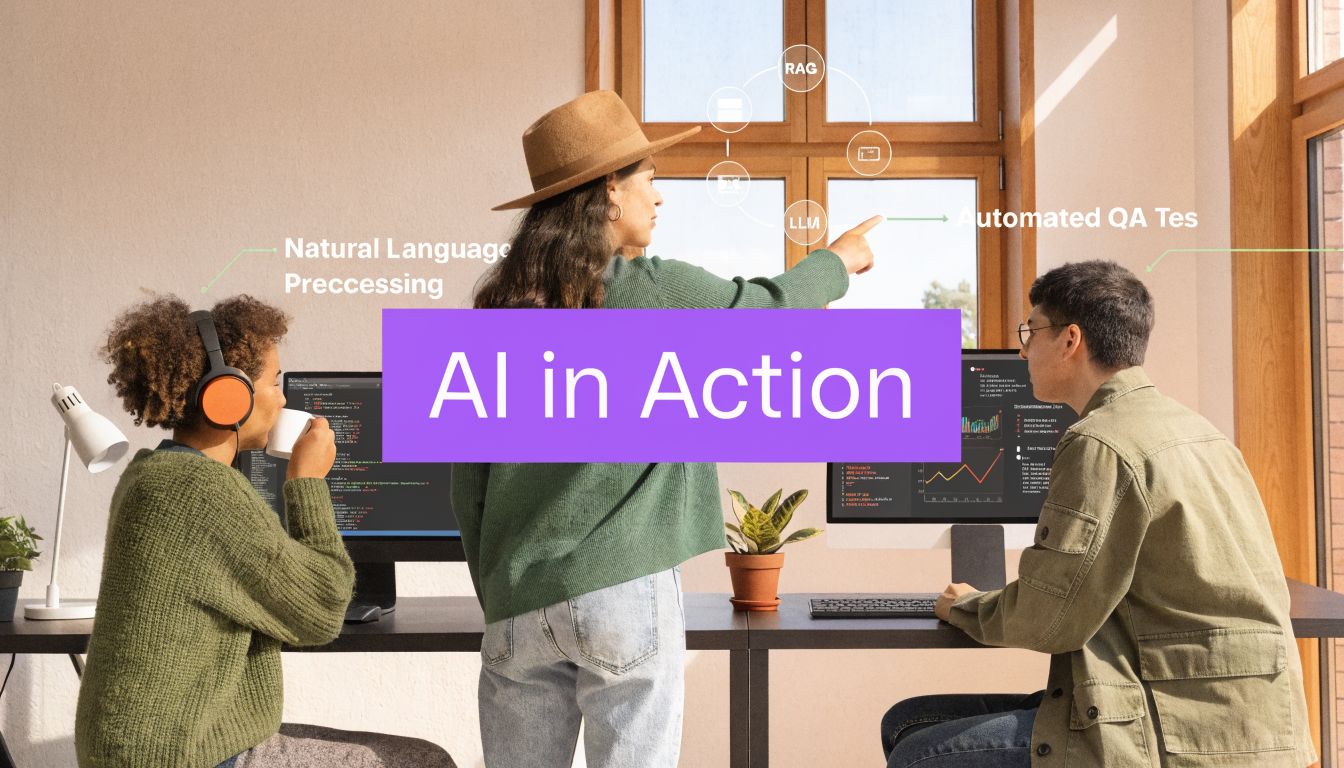
Enterprise AI assistants often use Retrieval-Augmented Generation, or RAG, to query internal systems such as CRMs and helpdesks before drafting a reply. In the verified data, that approach reduces factual errors or hallucinations by 40 to 60% compared with standard LLM use, as described in this overview of RAG in enterprise AI assistants.
That changes the quality of the draft. Instead of “I think your renewal is coming up soon,” the assistant can draft around current account details pulled from the business system. The rep then reviews the tone and sends.
Teams in finance and investing are exploring similar workflow advantages when AI has the right business context. Readers interested in adjacent use cases may find this piece on AI insights for VC funds helpful for seeing how context-rich AI changes decision support in another professional setting.
The unified support front
Support teams often struggle with consistency. One teammate phrases an answer one way, another phrases it differently, and a third forgets to mention an important policy detail.
A personal ai assistant can improve that by grounding replies in help docs, internal notes, and approved materials. One option in this category is Ellie, which drafts replies inside Gmail and Outlook, learns from sent mail, and can pull team knowledge into responses while respecting role-based access. That makes it a fit for teams that need both tone matching and current business facts in email.
Here’s what this looks like in day-to-day support:
- A customer asks about billing. The assistant prepares a draft using the approved billing context available to the right team.
- A prospect asks about plans. The draft reflects current pricing or plan language from connected knowledge sources.
- A frustrated user writes in. The assistant can start with a calm, structured reply instead of a rushed response written from scratch.
Good workflow design matters more than flashy output. The useful setup is the one that gets accurate drafts into the right inbox at the right moment.
That’s a common pattern across roles. The personal ai assistant becomes valuable when it sits inside existing email behavior, drafts within context, and reduces the number of messages that still require full manual composition.
How to Choose the Right Personal AI Assistant for 2026
A lot of tools now claim to be AI assistants. Many are fine for solo use. Fewer are built for real team workflows inside Gmail and Outlook.
That matters because a 2026 analysis of 12 assistants found that many reviews overlook team knowledge integration and role-based permissions, which makes it harder for businesses to scale AI beyond individual use. That finding comes from this analysis of personal AI assistants and enterprise gaps.
Evaluation Checklist for a Personal AI Assistant
| Feature | What to Look For | Why It Matters |
|---|---|---|
| Personalization depth | The tool should learn from your sent mail and adapt to your phrasing, length, and tone | If it can’t sound like you, you’ll spend too much time rewriting drafts |
| Gmail and Outlook fit | Native integration, add-ins, or browser-based workflow support | The closer it is to your real inbox, the more likely you are to use it daily |
| Knowledge access | Ability to use company docs, help material, or connected systems for factual replies | Tone alone isn’t enough. Business email often needs current facts |
| Permissions | Role-aware access to different data for sales, support, and operations | Teams need the right information to reach the right people, not a free-for-all |
| Privacy posture | Clear handling of email content and model training practices | Sensitive communication needs strong boundaries and predictable handling |
| Team readiness | Shared knowledge options and admin-friendly rollout | A tool that works only for one user won’t solve a company-wide email problem |
A simple buying lens
When evaluating a tool, ask practical questions rather than abstract ones.
Start with personalization. Can it produce drafts that resemble your actual email style, or does everything sound polished in the same generic way? Then look at integration. A great model in the wrong interface still creates work.
After that, focus on team features. Many buyers often miss the difference between a solo writing helper and a business-ready assistant.
- For a founder or executive, draft quality and inbox fit may matter most.
- For support, knowledge grounding and consistency usually matter more.
- For sales, you need both personal tone and access to current account details.
- For operations, permissions and accuracy often decide whether the tool is usable.
If Outlook is central to your workflow, it’s worth reviewing a tool built specifically for that environment, such as an Outlook AI assistant, before you commit.
A good choice should feel boring in the best way. It should slide into the inbox you already use, reduce writing effort immediately, and support team knowledge without creating security anxiety or process sprawl.
The Future of Work Is a Collaborative Inbox
The old idea of a personal assistant in tech was simple. You gave a command, and the tool tried to complete it. The new idea is more useful. Your personal ai assistant works alongside you, inside the communication channels where your day happens.
For Gmail and Outlook users, that means the inbox becomes more collaborative. You still decide what to say. You still own the relationship, the nuance, and the judgment. But you no longer have to generate every draft from nothing.
That shift matters because email is rarely just typing. It’s memory, context, company knowledge, timing, and tone. When an assistant can support those layers well, work feels lighter without becoming less human.
The practical takeaway is simple. Don’t think of this category as a gadget. Think of it as a productivity partner for communication. The better it knows your style, your tools, and your team’s knowledge, the more of your day it can give back to thinking, serving customers, and moving work forward.
If you want to see what that looks like in practice, Ellie is built for Gmail and Outlook users who want email drafts that sound like them and can pull in team knowledge where needed. It’s a straightforward way to test whether a personal AI assistant belongs in your daily workflow.