Connect your Gmail or Outlook for auto-drafted replies, or use Ellie on demand from our browser extension or the Outlook desktop add-in. Ellie replies in any language and mimics your tone.
Ellie's auto-drafts work straight from your connected inbox — no install needed. But you can also add the browser extension to trigger a reply on demand from Gmail or Outlook on the web.
See all download options

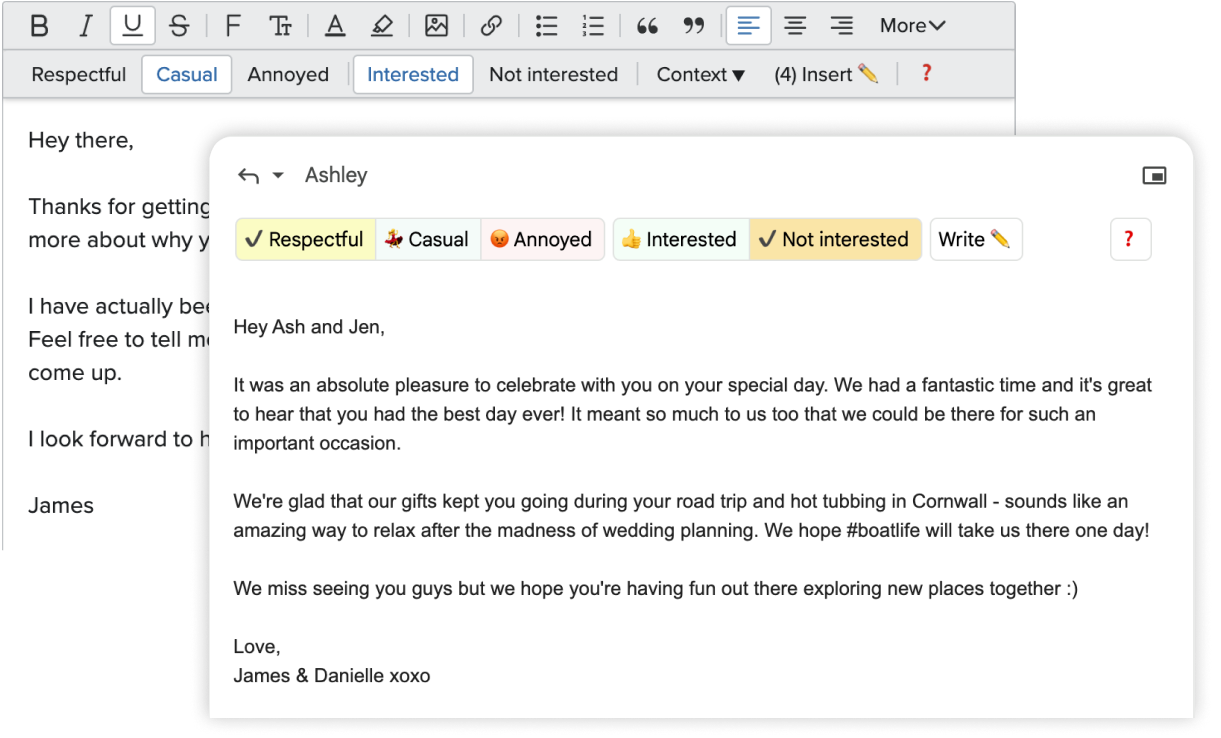
No. Ellie will only write replies to emails, not cold emails.
Each plan gives you a certain number of replies. This is how many emails Ellie can write for you per day.
All plans now use the same Intelligent AI model for generating replies. The model is highly capable and has been optimized for email communication.
Casual: Includes Basic Knowledge Base Training, allowing you to add a small amount of custom information to help Ellie personalize replies.
Business & Professional: Include Advanced Knowledge Base Training, which supports more extensive and flexible customization for your team's needs. You can upload PDF and document files (pdf, txt, docx, etc), or provide a website URL for Ellie to scrape and learn from.
Business & Professional: the recommended setup. Connect your Gmail/Google Workspace or Outlook/Microsoft 365 mailbox once and Ellie auto-drafts replies into your Drafts folder in the background — no install required. You can also trigger a reply on demand from our browser extension or the native Outlook desktop add-in.
Casual: manual mode only. Use the browser extension to generate replies on demand directly in Gmail, Outlook on the web, and Fastmail. Auto-drafts are not included.
Available on the Business and Professional plans, these features allow Ellie to automatically draft replies and categorize your emails, saving you even more time. Ellie never sends an email without you first checking it—you always have the final control.
Business: 1 connected account per user.
Professional: Up to 3 connected accounts per user.
Roles let you set up different personas in Ellie for different kinds of email — each with its own knowledge base and tone.
For example, you can upload your company help documentation and assign Ellie a Customer Support Specialist role. While in that role Ellie uses the help documentation when drafting replies, and follows whatever rules you set for that role.
If you use your inbox to wear a few different hats — sales, support, ops, founder — Roles are for you.
Yes, these are priced starting at $5 per user.
Yes — Ellie is listed on Microsoft AppSource, so Microsoft 365 customers can buy as a SaaS subscription billed alongside their other Microsoft services.
Our native Outlook add-in is also on AppSource — your IT admin can deploy it to every mailbox in your tenant.
Send us an email and we'll be happy to help!
Our dedicated support team will reach back out to you personally. Although we love using Ellie, we promise that a real human will reply to your questions every time ;)